
Calibrating Your BioSleeve
When you first setup your BioSleeve or after you reset it, you will need to calibrate it via the Cipher Body website. This article explains how.
How to calibrate your BioSleeve
1. Open your Google Chrome on your desktop or laptop computer and navigate to www.cipherbody.com.
2. Log in using the username and password you created.
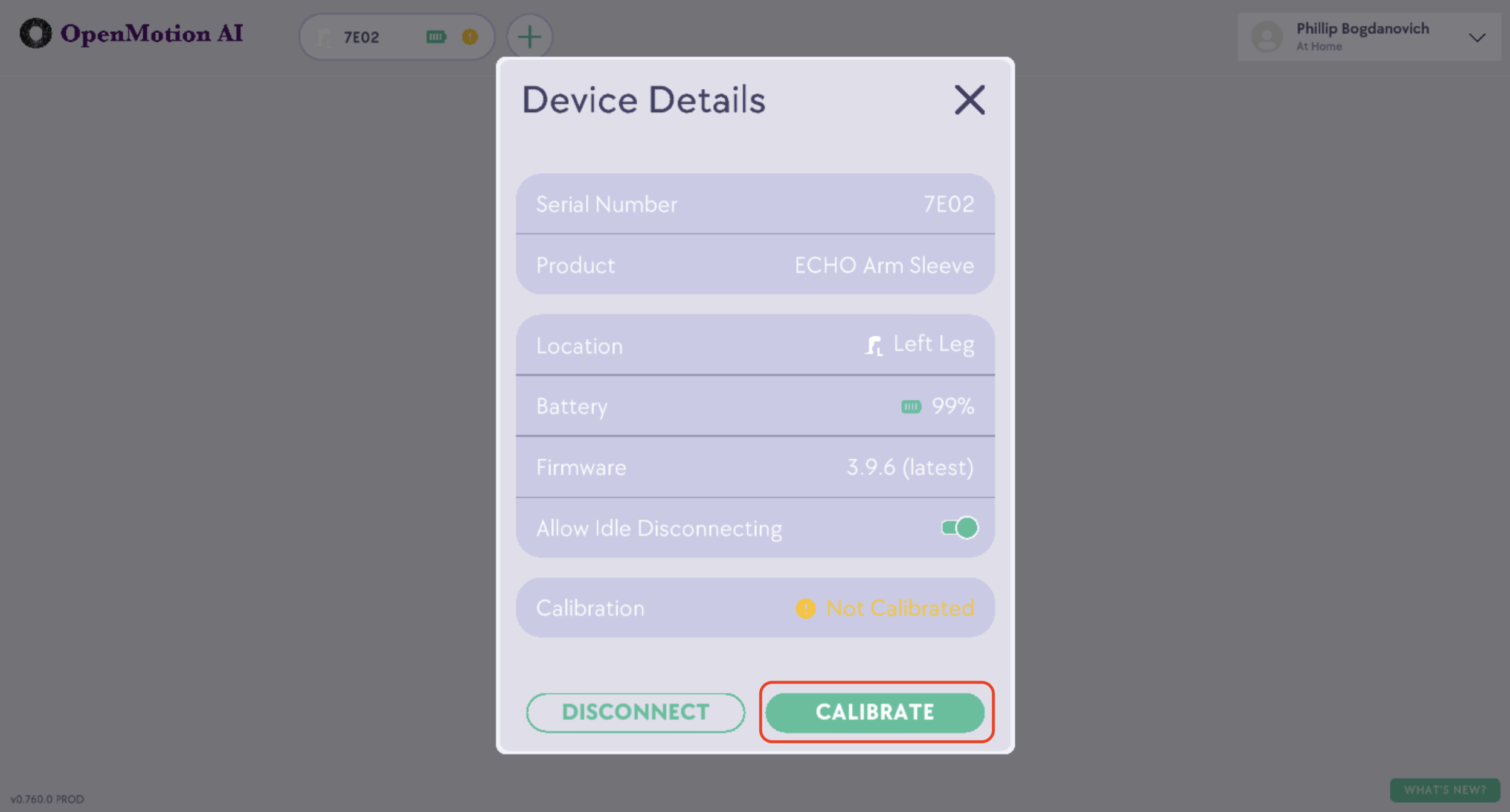
4. In the Device Details window, click the green CALIBRATE button:
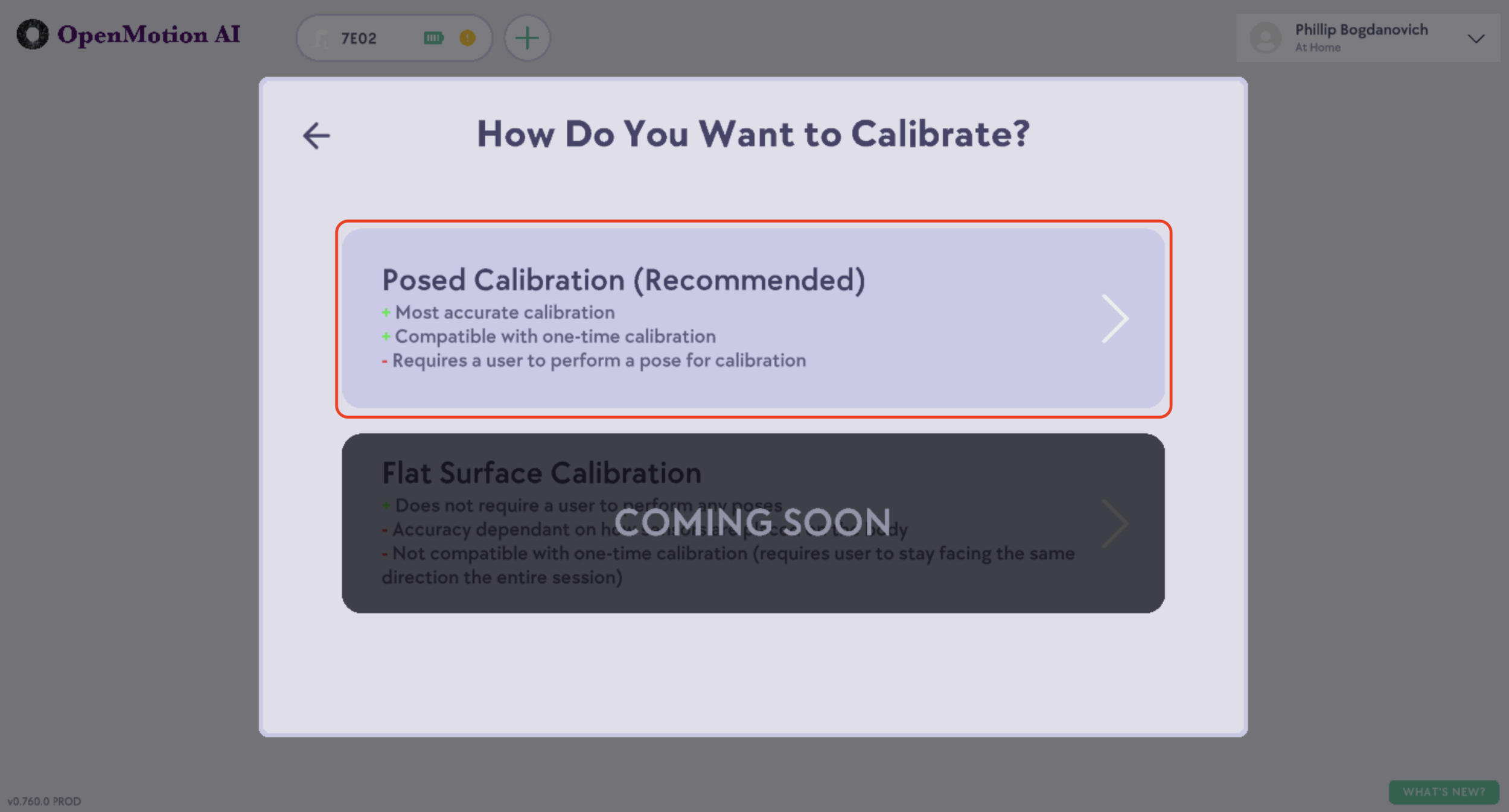
5. Select the Posed Calibration option from the window that appears:
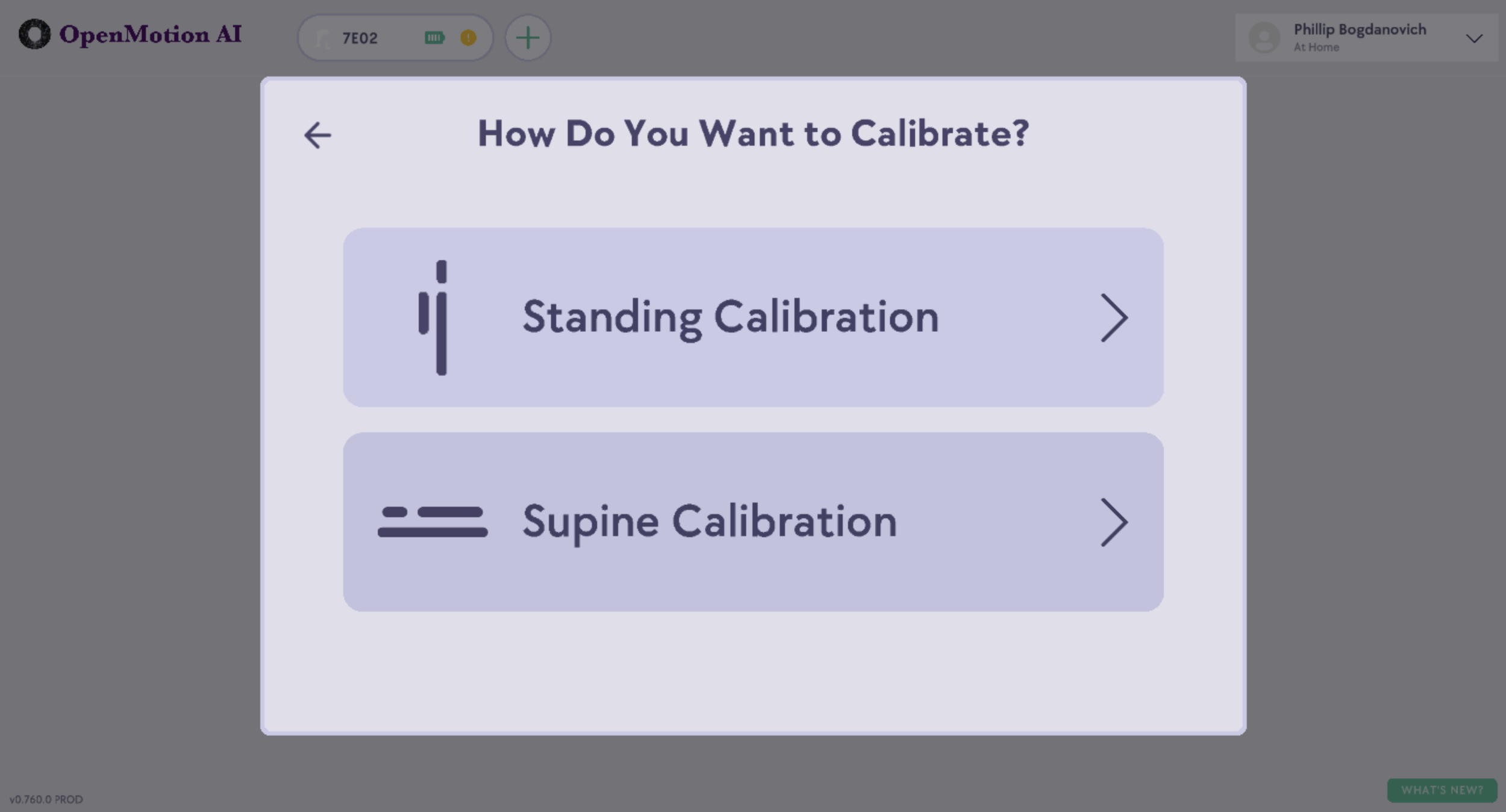
6. Follow the on-screen prompts to go through the calibration process.
7. To check whether your calibration was successful, move the arm or leg with the BioSleeve on it. If the animation on the screen matches your movements, click CONTINUE. If your movements do not match, click REDO to try again.
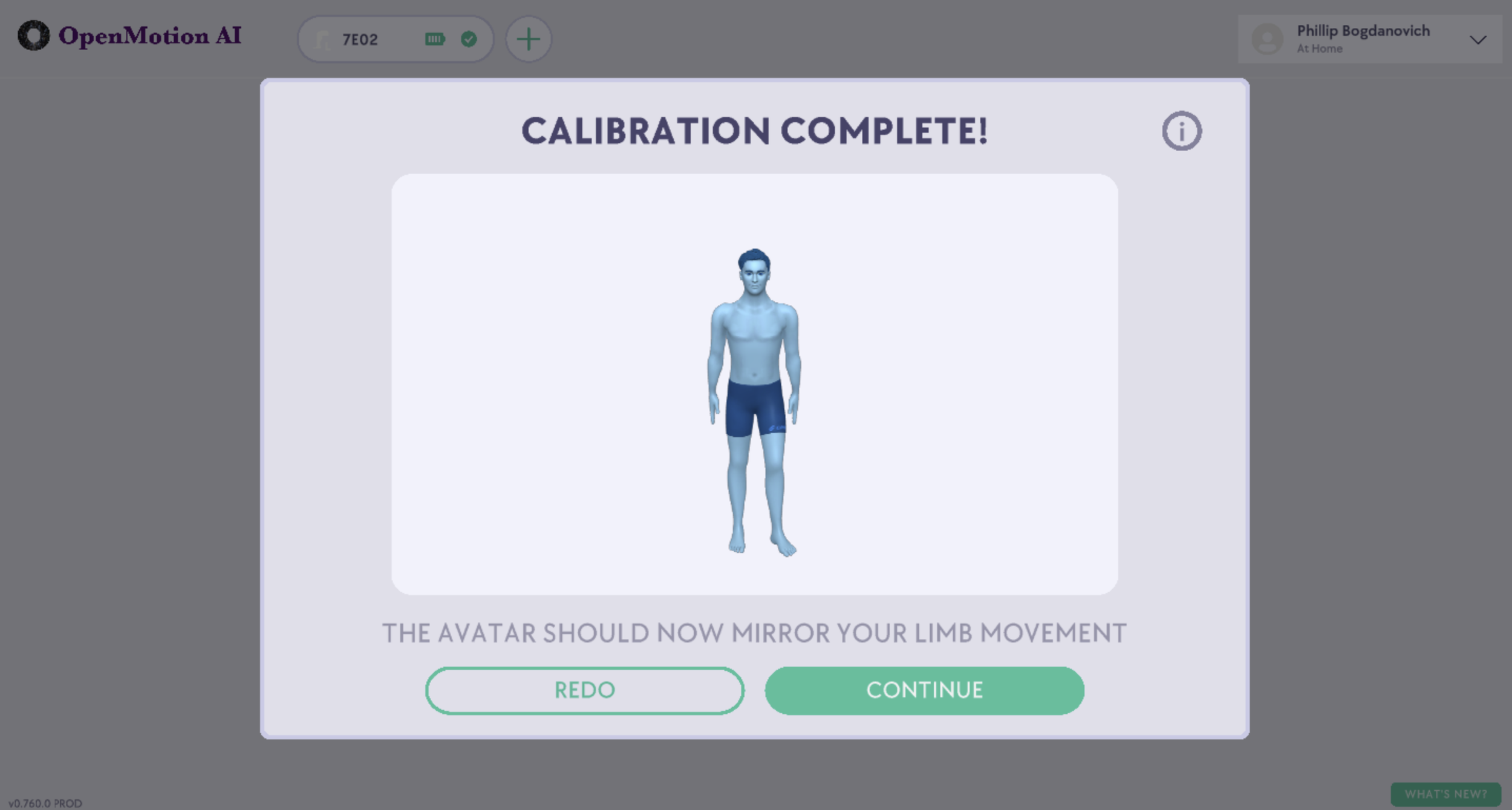
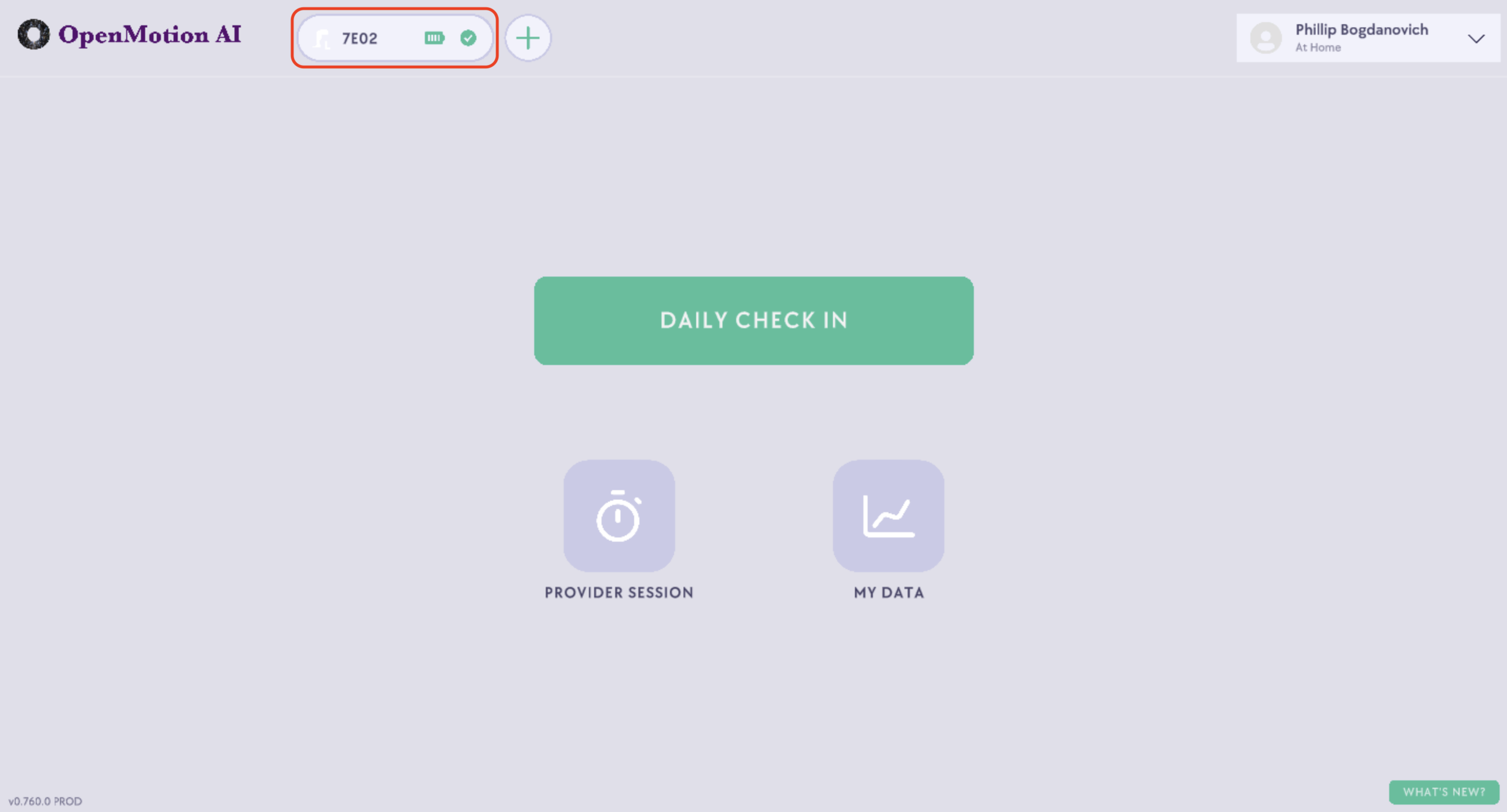
5. When your BioSleeve is successfully connected and calibrated, you’ll see a bubble at the top of the page with the sleeve’s serial number next to a battery indicator and calibration check mark. When you see this bubble, your BioSleeve is ready to use!
Help calibrating your BioSleeve
For other issues or help calibrating your BioSleeve, please email help@openmotion.ai and describe your issue in detail. We will respond to you within 24 business hours.